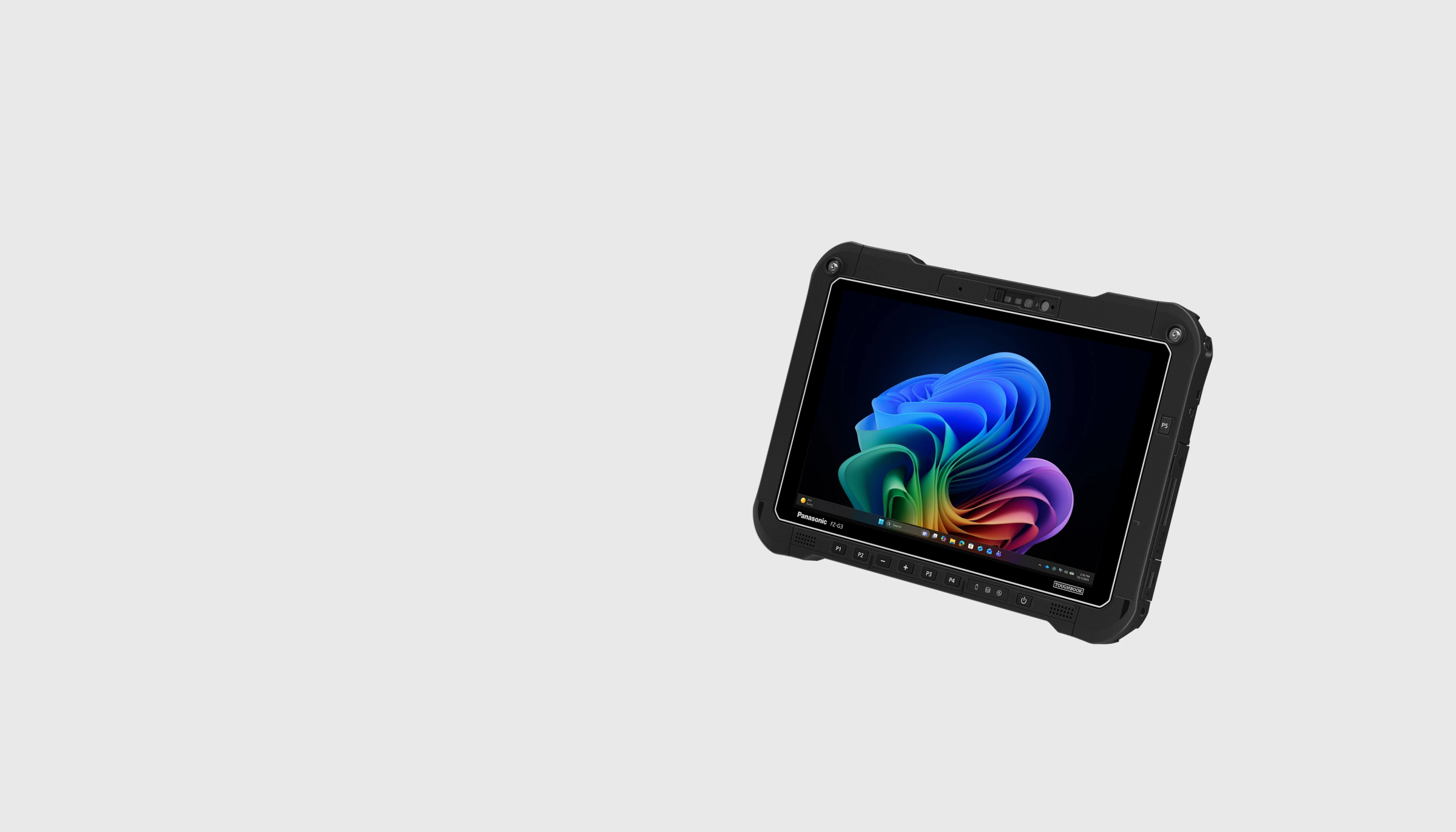
TOUGHBOOK G3
Fully rugged Windows 11 Pro tablet
with 10.1″ WUXGA display
Compact on the move.
Ready for the job.
Rugged technology.
Always at hand.
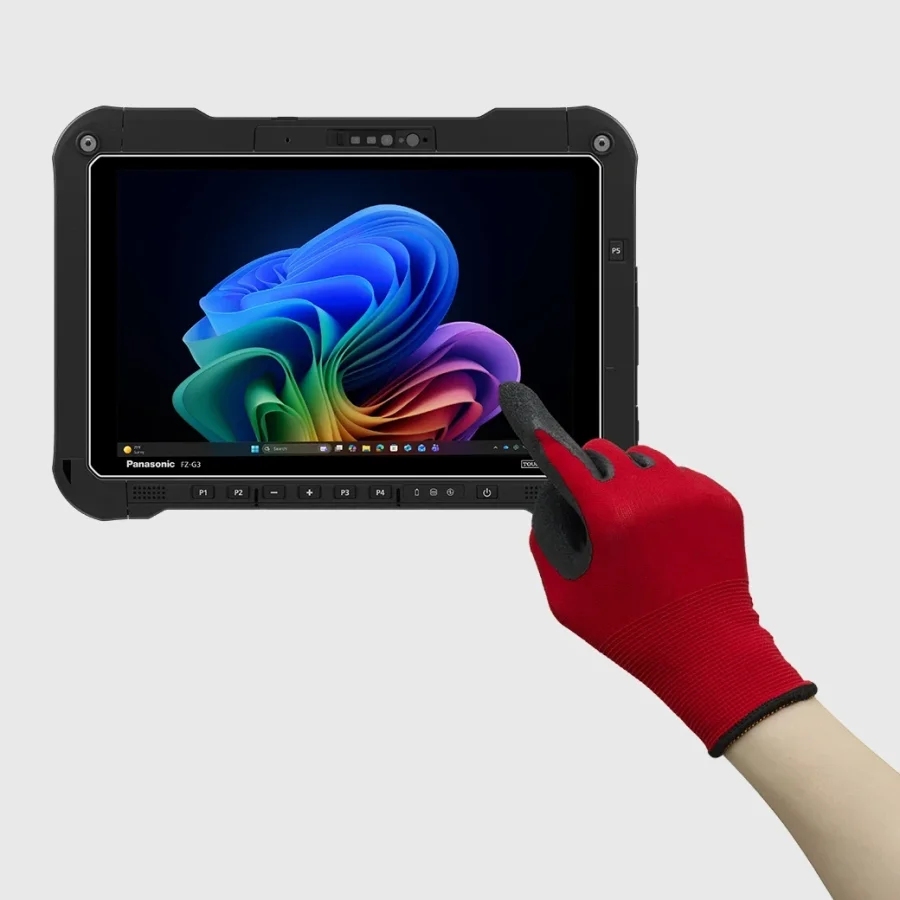
From maintenance and emergency services to logistics: TOUGHBOOK G3 brings mobile teams the tools they need in the field. The compact 10.1″ tablet starts at 1.07 kg with the Lite battery and fits work in vehicles and confined spaces.
IP66 protection against dust and powerful water jets, tested drop resistance up to 180 cm and an operating temperature range of −29 °C to +60 °C support demanding working conditions.
Built for long shifts.
And changing tasks.
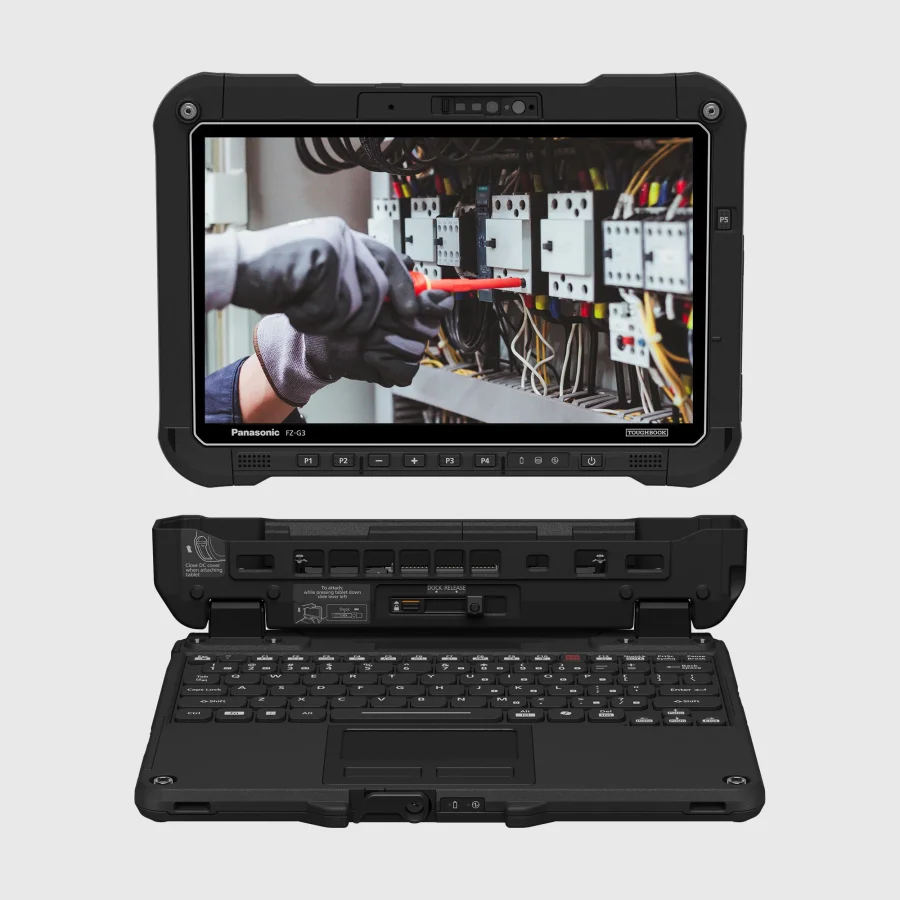
Three battery options, interchangeable xPAK modules and an optional keyboard turn this compact tablet into a versatile mobile workstation.
Highly legible.
Even outdoors.
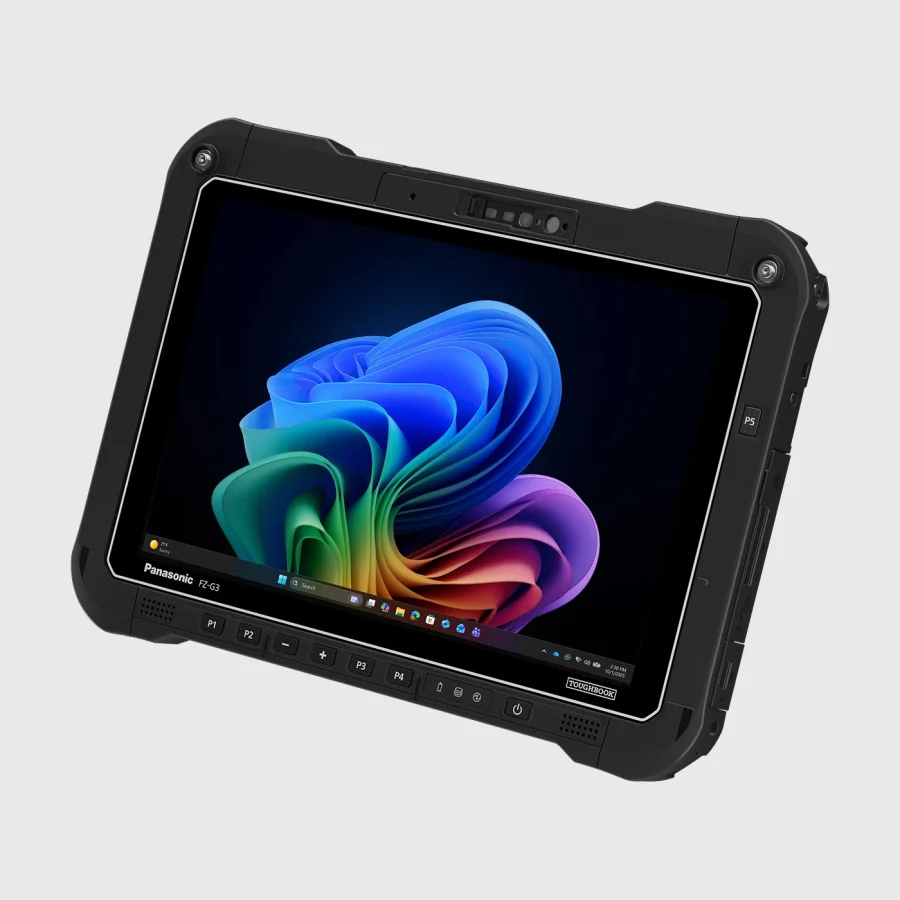
The WUXGA display offers 1920 × 1200 pixels and brightness up to 1,000 cd/m². Touch and digitiser pen support data capture in the field, with glove-compatible operation.
Five programmable buttons provide up to ten shortcuts. The 13 MP rear camera with autofocus and LED flash supports documentation, while the 5 MP front camera supports Windows Hello.
Technical specifications
TOUGHBOOK G3
Display
10.1″ WUXGA, 1920 × 1200 pixels, up to 1,000 cd/m². Touch and digitiser pen.
Connectivity
Wi-Fi 7, Bluetooth 5.4; optional 4G/5G and GNSS. 2 × Thunderbolt 4, USB-A and LAN.
Flexibility
Two xPAK expansion areas, Quick Release SSD and optional backlit keyboard.
Battery life
Lite: approx. 8.5 h; Standard: approx. 17 h; Long Life: approx. 24 h (MobileMark® 30). Hot swap with optional bridge battery.
Power that works
for your work.
Intel® Core™ Ultra 5 335 vPro or Core™ Ultra X7 368H vPro, up to 64 GB LPDDR5x and a Quick Release OPAL NVMe SSD provide a platform for mobile Windows applications. Storage starts at 512 GB, with options up to 2 TB.
Two Thunderbolt 4 ports, USB-A and Gigabit LAN are built in. Wi-Fi 7 and Bluetooth 5.4 come as standard; 4G, 5G and dedicated GNSS are optional. We help you choose the combination for your application.
Expand.
Don't replace.
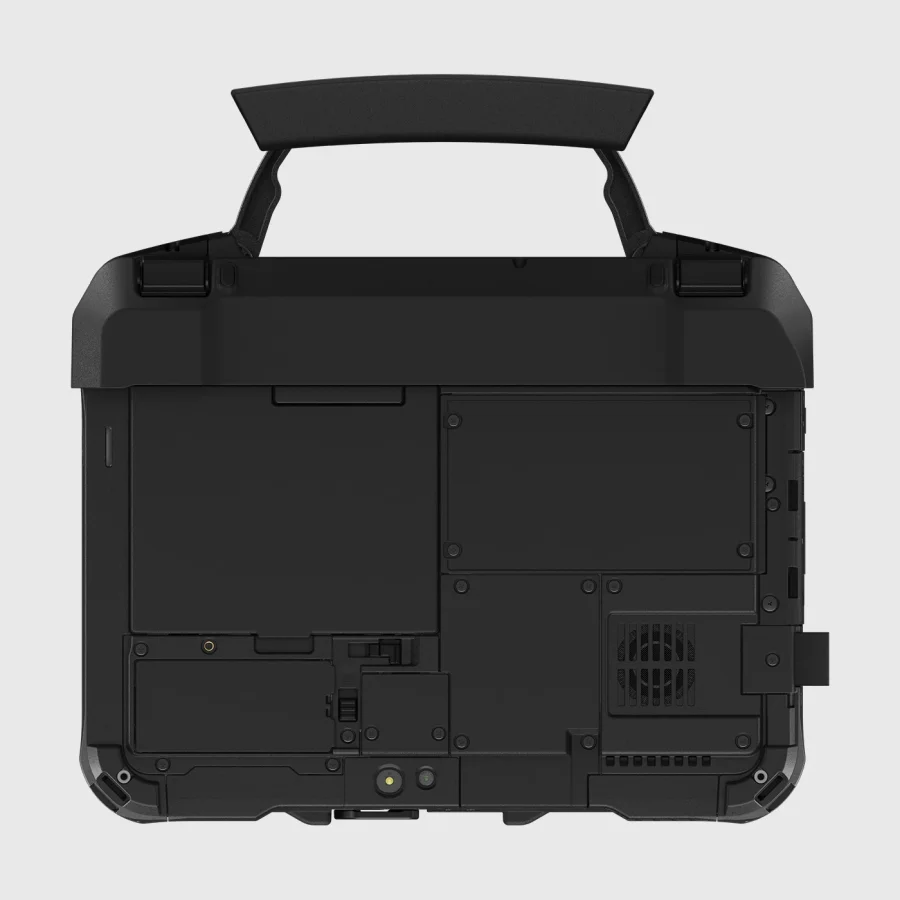
Choose one xPAK option for each of the top and rear expansion areas. Top options include a barcode reader, native serial or an additional LAN port. Rear options include smart card, NFC or fingerprint readers.
Hot swapping requires an optional bridge battery. Specified combinations with smart card or NFC are also available and must be selected at purchase. We check existing G2 peripherals by their exact part numbers.
Configure your TOUGHBOOK G3
Datasheet / PDF